
Preview and Example
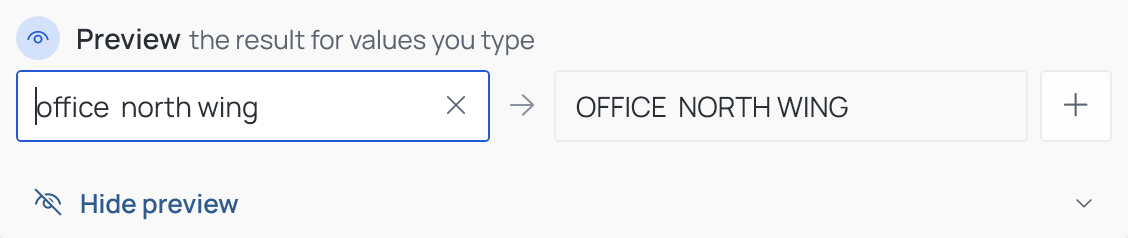
Some operations can show their result in the Configurator, before anything reaches Revit. A strip at the bottom of the operation card opens it.
Preview
Find & Replace, Copy & Paste, Format Text, Prefix Suffix, Zero Padding, Calculated Value, If Then Else. Type a sample value — the value a parameter might hold — and the arrow shows what the operation would write. + adds another sample line, so several cases can be checked side by side. Calculated Value asks for a value per variable; If Then Else tests one condition.
Example
Nearest Grids, Location Data. These read the model, so there is nothing to type: Example shows what the current settings write for a made-up element — the format of grid names and distances, or of coordinates. Change a setting and the example follows.

The strip stays closed until you open it, and opening it changes nothing in the operation.