
The Executor
The Executor opens a .fdc file inside Revit and runs its operations on the open model.
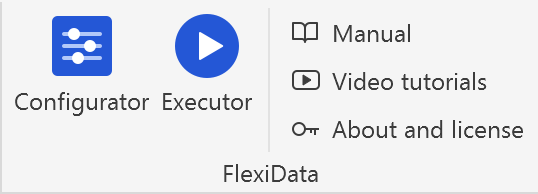
How to open
Executor on the FlexiData panel of Revit's ribbon.
The start screen
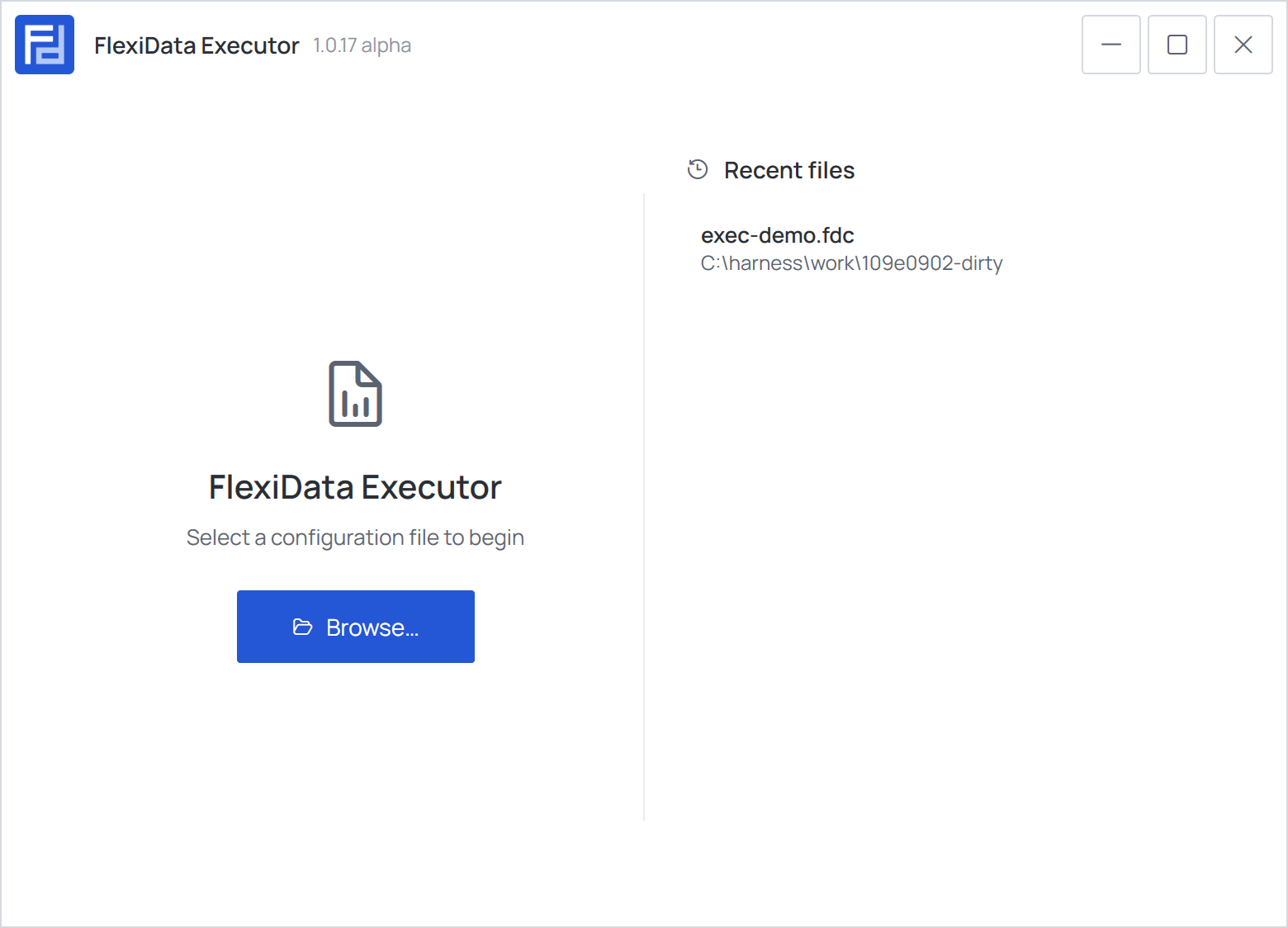
| Part | What it does |
|---|---|
| Browse… | Opens a .fdc file (Ctrl+O) |
| Recent files | The last ten files you opened. Click one to open it; rest the pointer on it to remove it from the list |
A file saved by a newer FlexiData than yours opens with a warning: options this version does not know are ignored — see The .fdc file.
From file to report
Opening a file leads to the run screen. From there:
- Tick the operations to run, and look at any of them in the Operation details.
- Choose the run settings if needed — exclusions, models, synchronizing.
- Choose where to run — Whole model, Active view or Selection — and press Run.
- The configuration check appears if the file does not fit the model.
- The operations run; then the report opens.
The arrow at the top left of the run screen takes you back here to open another file.
All windows of the Executor are listed in Screens and dialogs.