Operations
Nineteen operations, one page each: what it is for, an example, its settings and what to watch out for. Every operation also has the same first step — Categories, with an optional filter — and a target parameter, described once in Configurator basics.
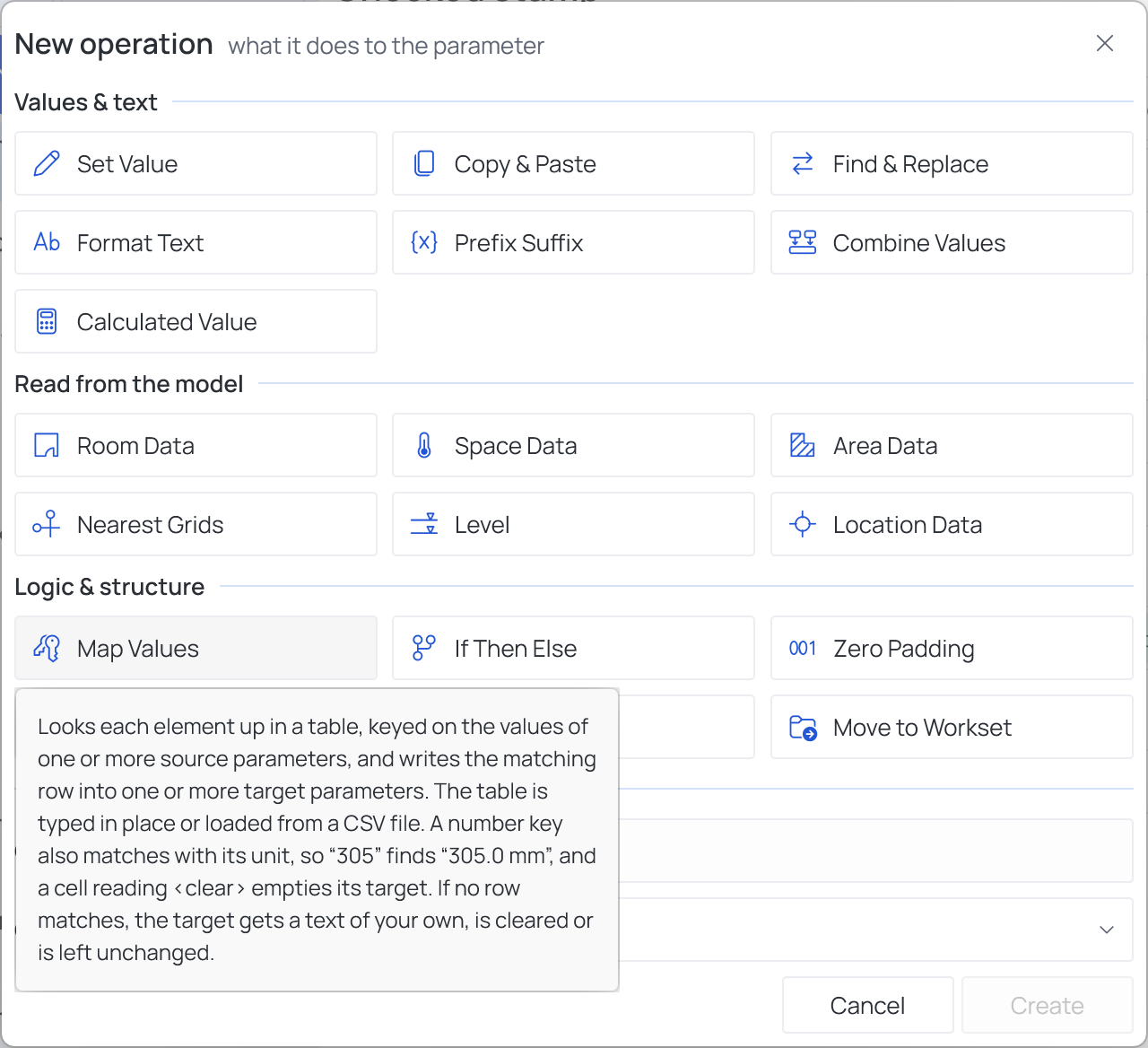
The Configurator's New operation… dialog shows them as tiles in three groups, three to a row. This list follows the same groups in the same order:
Values & text
Read from the model
Logic & structure