
The configuration check
Before writing anything, the Executor checks the file against the model.
When it appears
After Run, and only if it finds something — a target parameter that does not exist on a category, a category with nothing in scope, an area scheme that is missing. A file that fits the model runs straight away.
What's in it
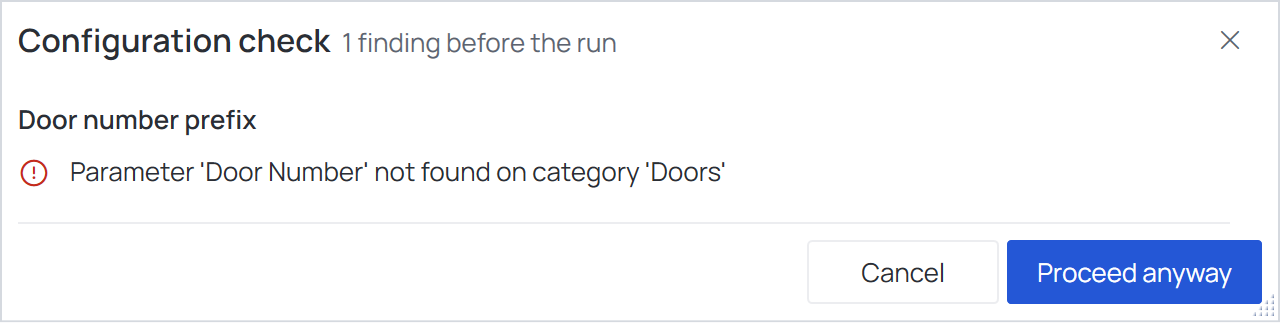
The findings, grouped by operation. Errors have a red icon, warnings an amber one.
| Button | What it does |
|---|---|
| Cancel | Goes back, so you can fix the file in the Configurator |
| Proceed anyway | Runs regardless: the affected operation simply writes nothing where it cannot |
Versions of Revit
One file serves every Revit from 2021 to 2027, so the check also warns about what the running Revit does not have:
| Warning | What happens in the run |
|---|---|
Category '…' does not exist in Revit 2024. This operation finds nothing there in this version; its other categories still run. |
The other categories are processed |
… This operation does nothing in this version of Revit. |
Every category of the operation is missing; the operation is skipped |
Built-in parameter '…' does not exist in Revit 2027. This operation writes nothing to it in this version. |
Nothing is written to that parameter; the other operations run |
See Categories only some Revit years have.
For a finding you do not understand, see Troubleshooting.