
New operation
Adds an operation to the file: choose what kind it is, give it a name, create it.
How to open
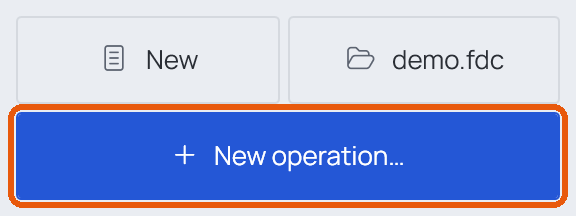
New operation… above the list of operations, or Ctrl+N.
What's in it
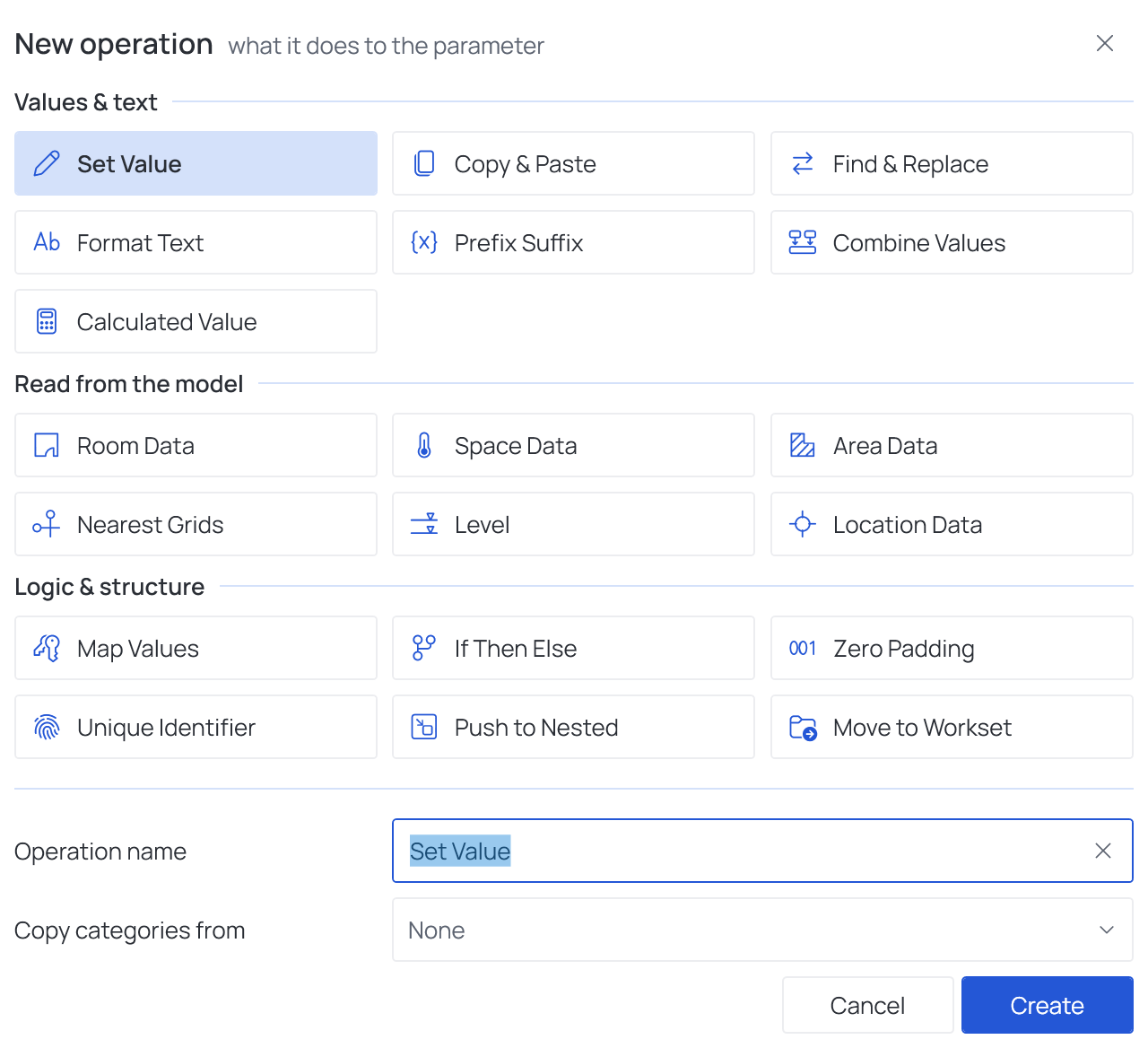
| Part | What it does |
|---|---|
| Tiles | One per operation, in three groups. Click one to choose it |
| Favorites | Right-click a tile to add it to a group of its own at the top |
| Operation name | The name shown in the list; you can rename it later |
| Copy categories from | Optional: start with the categories another operation of the file already has |
| Create / Cancel | Adds the operation, or closes without adding |
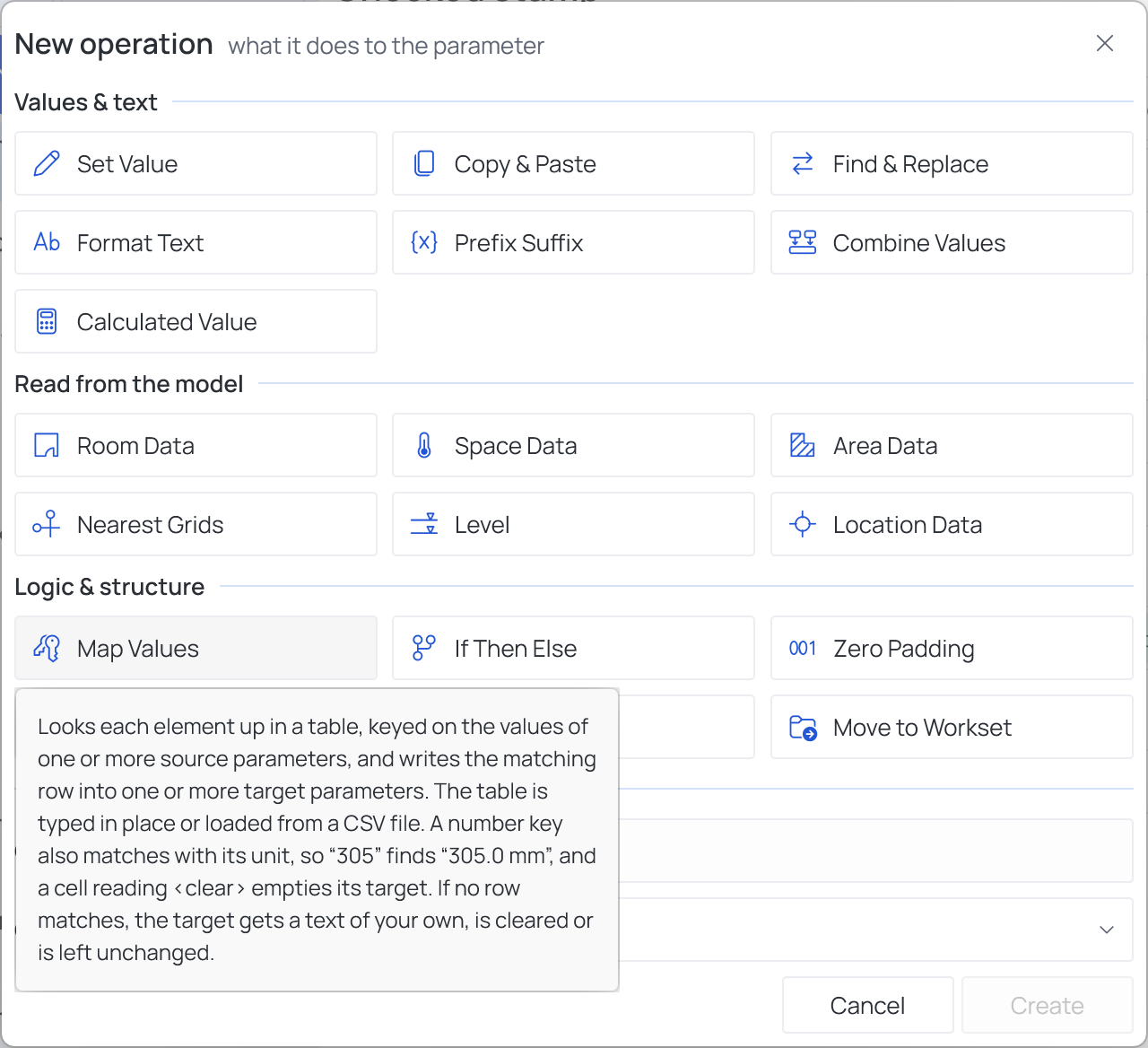
Rest the pointer on a tile to read what the operation does:
Good to know
- Not sure which operation fits a job? Operations lists them with one line each.
- The new operation opens on the right, ready to fill in; it shows an amber warning in the list until it has what it needs to run.