
Smart tags
All 54 smart tags, each with what it writes, to insert into a value field. A smart tag such as
{Date_ISO} or {Element_ID} is filled in per element when the operation runs.
How to open
The tag button beside a value field.

What's in it
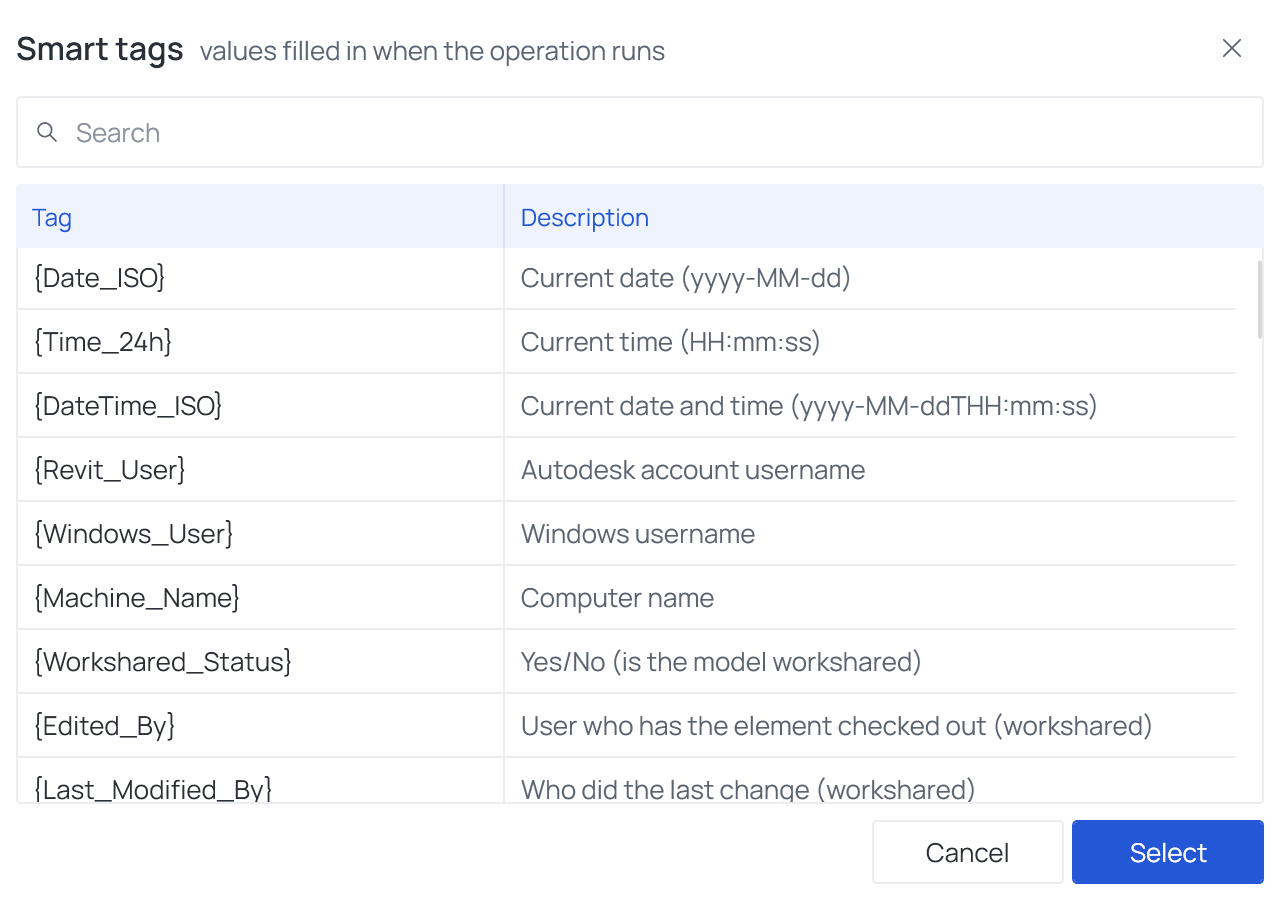
| Part | What it does |
|---|---|
| Search | Looks at the tag, its description and its group: user finds {Revit_User}, {Windows_User} and the other tags about users |
| Tag / Description | The tag as it is written, and what it fills in |
| Select | Inserts the tag where the cursor is in the field, or replaces the selected text. A double-click does the same |
Good to know
- You can build a value one tag at a time:
Checked {Date_ISO} by {Revit_User}. If you never clicked into the field, the tag goes at the end. - You can also type a tag by hand: the name in curly braces, exactly as listed.
- What each tag writes, and which fields fill them in, is in Smart tags.