
Run settings
The right card of the run screen holds three foldable groups. They apply to the
whole run and are not saved in the .fdc file.
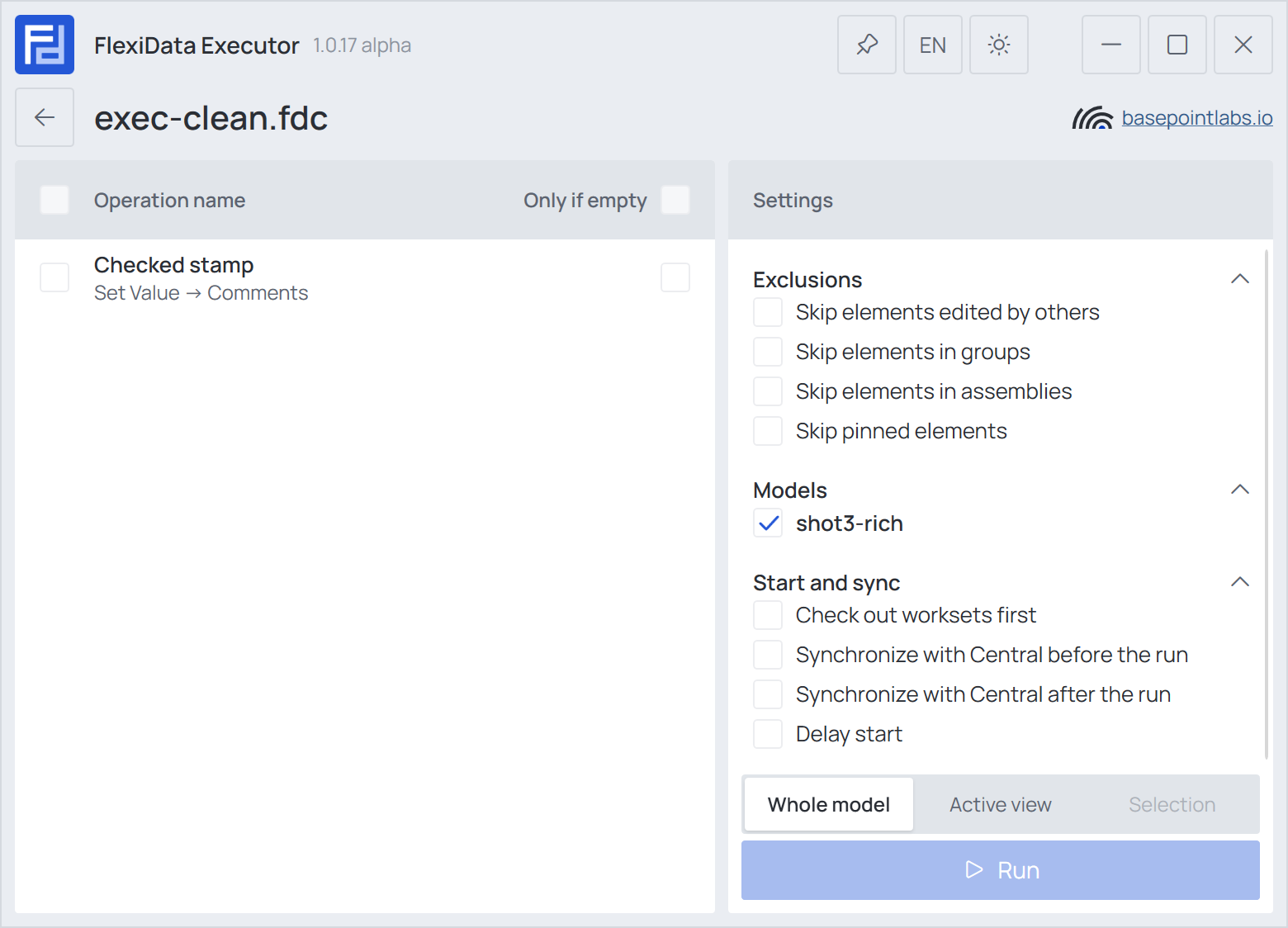
Exclusions
| Option | What it does |
|---|---|
| Skip elements edited by others | Leaves elements another user owns in a workshared model alone instead of trying and failing. The report lists them |
| Skip elements in groups | Leaves elements inside model groups as they are |
| Skip elements in assemblies | Leaves elements inside assemblies as they are |
| Skip pinned elements | Leaves pinned elements as they are |
Skipped elements are listed in the report as excluded.
Models
One box per project open in Revit. Tick several to run the same file on each of them in one go; each runs over its own whole model. Linked models are never written to, and Room, Space, Area, Level and Nearest Grids look only at the model they run in. The report then has a Documents section with each model's own result.
Start and sync
| Option | What it does |
|---|---|
| Check out worksets first | Takes every user workset nobody else holds before the run, so no one can change elements while FlexiData writes |
| Synchronize with Central before the run | Brings in everyone's latest changes first |
| Synchronize with Central after the run | Sends the run's changes to the central model. Undo this run is then not offered |
| Delay start | Starts the run later — see below |
Delay start
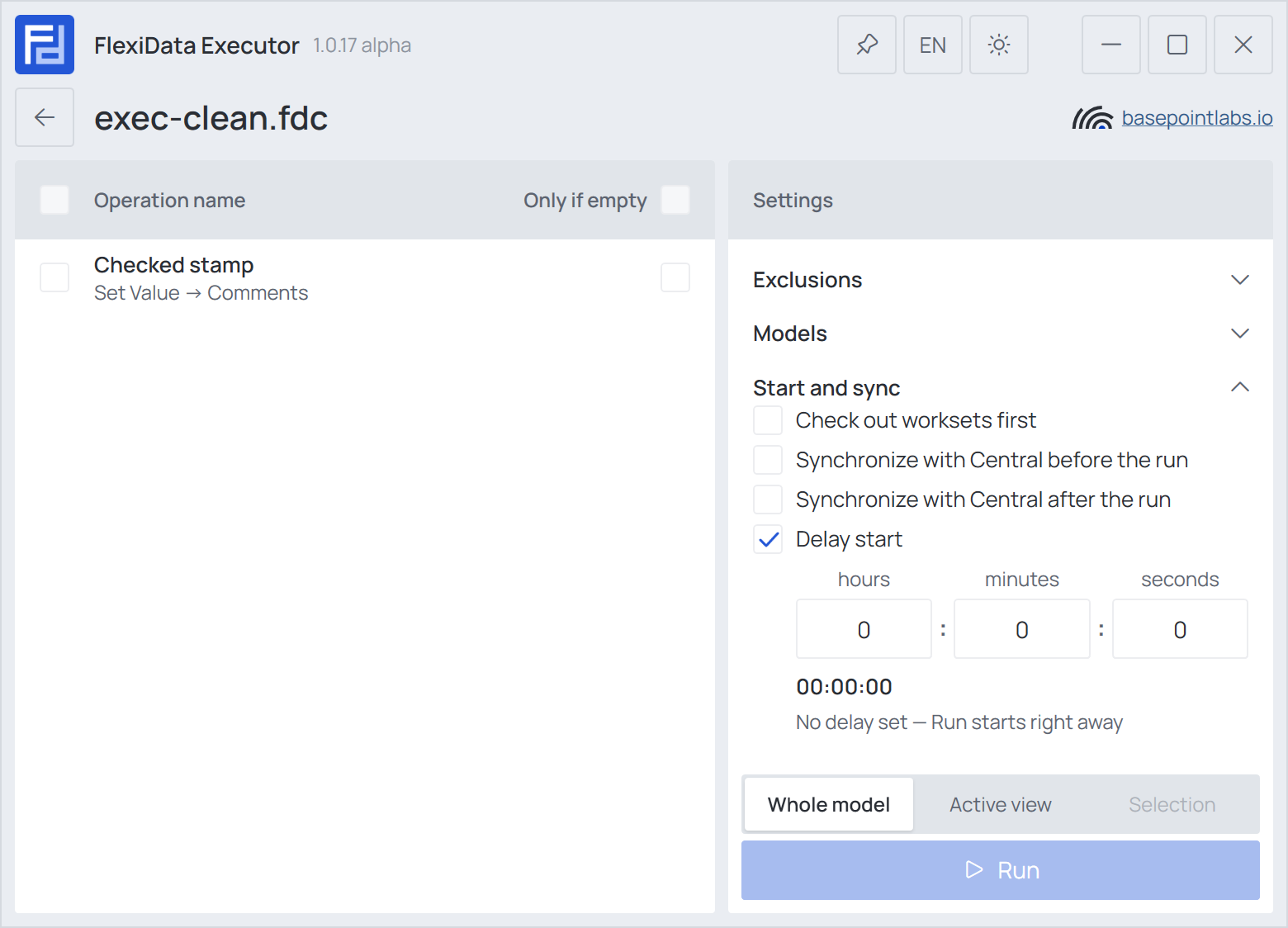
Delay start shows three fields — hours, minutes, seconds, up to 24 hours — and the
time it adds up to. Run then starts a countdown instead of the run; the operations start when it
reaches zero, with the sync options applied as usual. At 0:0:0 the hint reads No delay set — Run
starts right away. Useful for a long run after everyone has synchronized and gone home.
See also Safety and undo for what a run changes in a workshared model.