
Operation details
Every setting of one operation, read-only — handy to check a file someone else wrote before running it.
How to open
Click an operation's name in the list of the run screen.
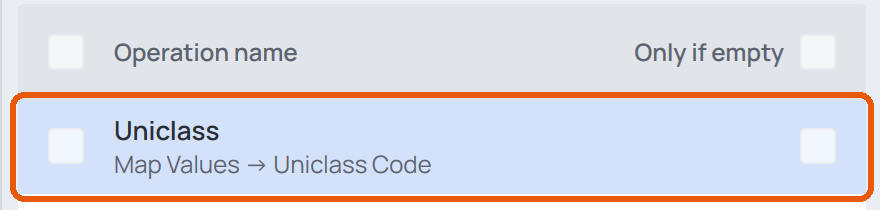
What's in it
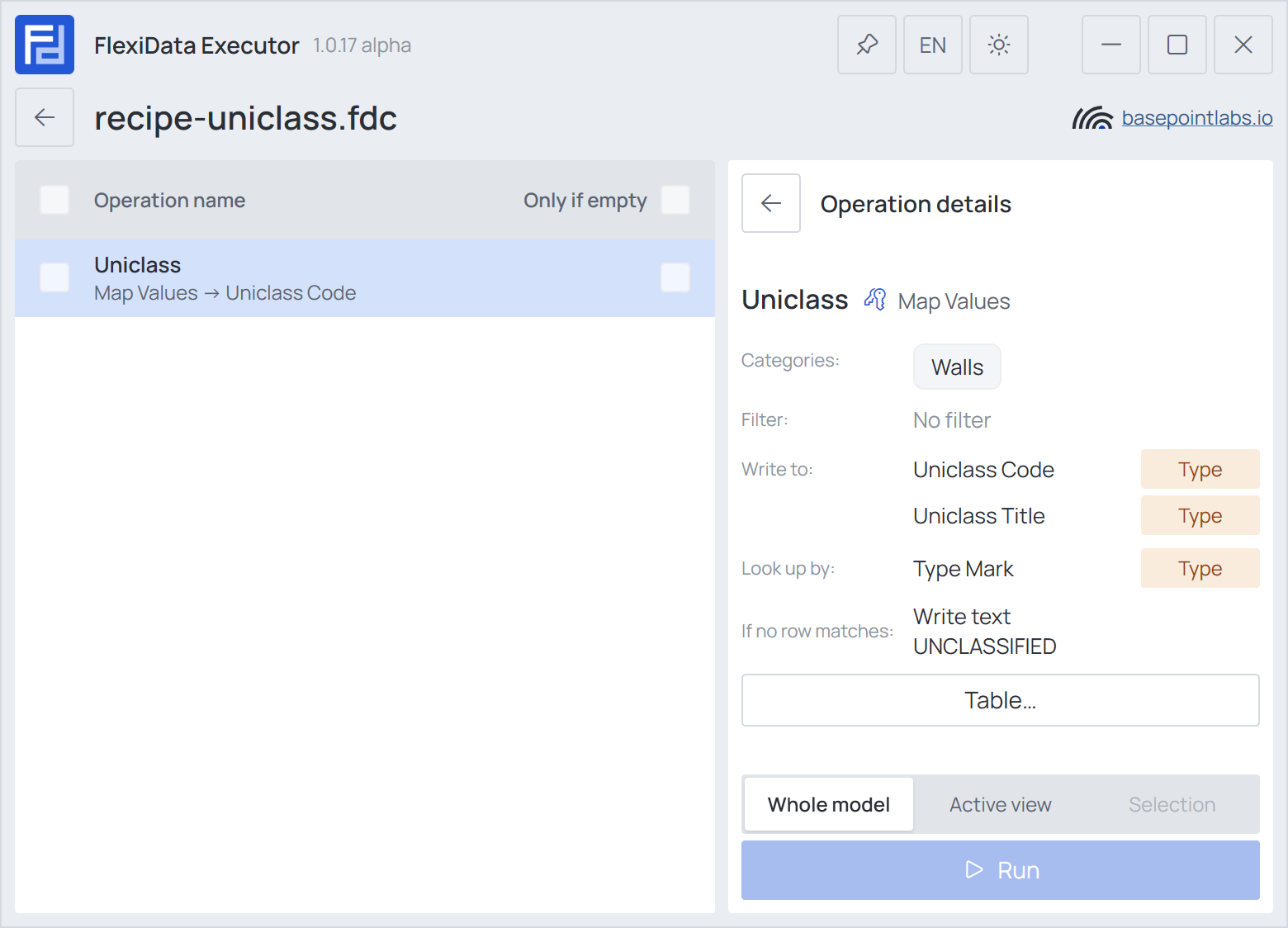
The operation's name and type, its categories, its filter, and its parameters under the names of the Configurator's steps — Write to, Copy from, Look up by, Read from and so on — with their Instance / Type tags, and the options that matter for that operation. The arrow at the top takes you back to the run settings.
Table
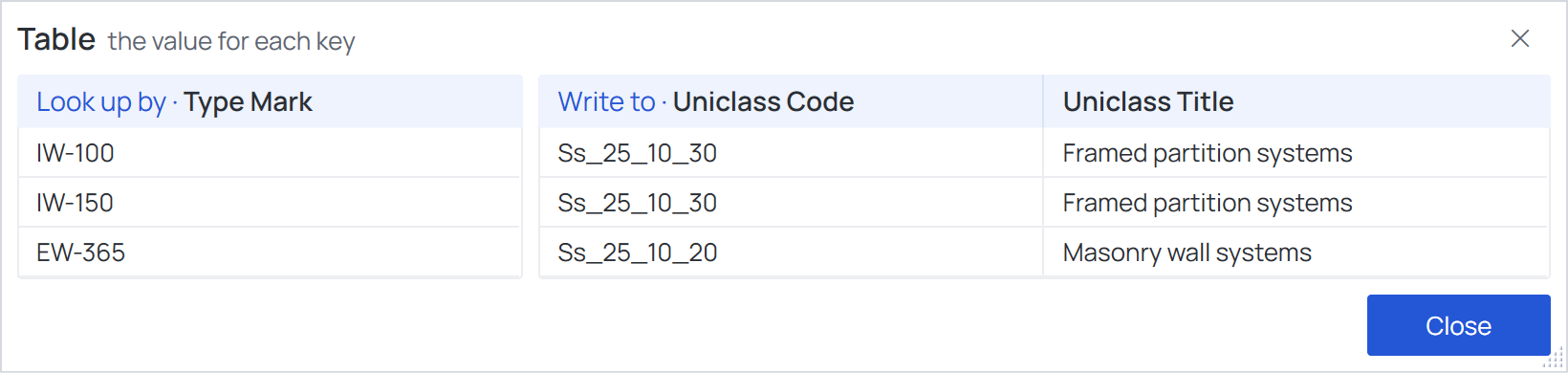
For Map Values, Table… opens the whole table, read-only: the Look up by columns and the Write to columns as two tables side by side, as the Configurator shows them.
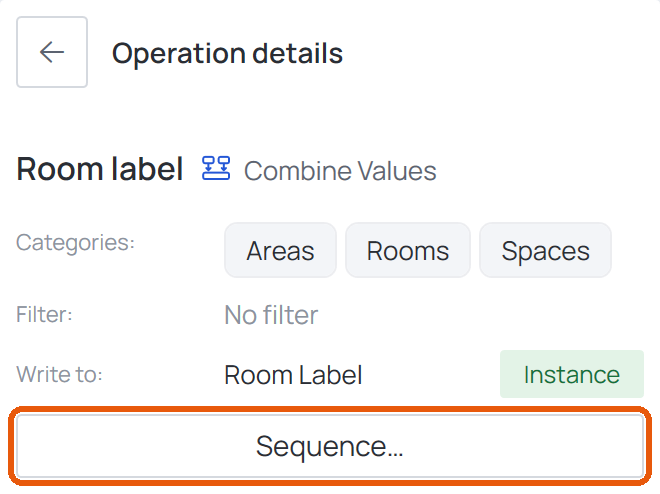
Sequence and Restart numbering for each
For Combine Values and Unique Identifier, Sequence… and Restart numbering for each… list the parameters in order — for Combine Values with the Prefix and Suffix of each — under the same names as the Configurator's steps.
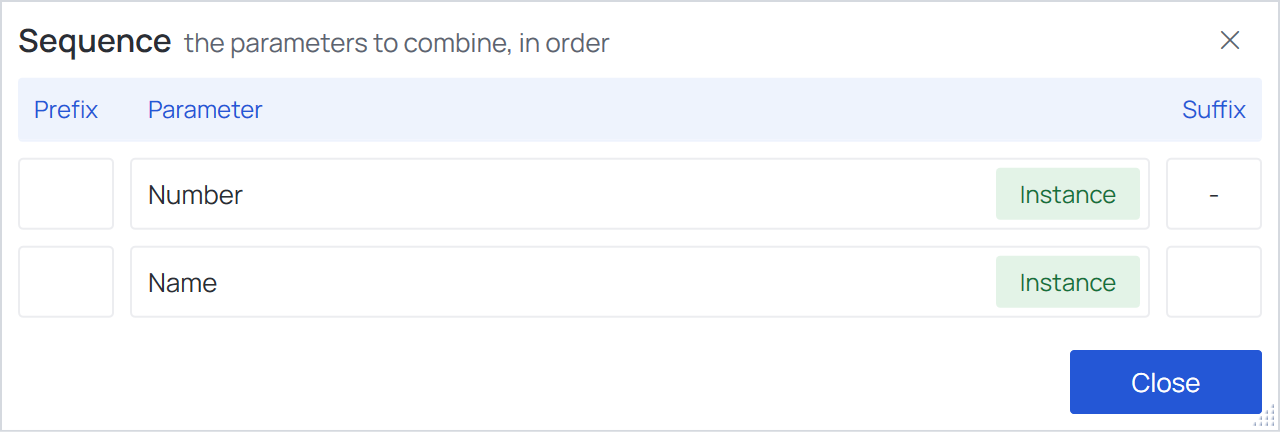
These windows only show what the file says — Close closes them. To change anything, open the file in the Configurator, save, and open it again here.