Base Point Labs logoBase Point LabsFlexiData User Manual
← Back to home
  • Home

Introduction

  • What is FlexiData
  • Getting started
  • Requirements

Concepts

  • The operation card
  • Elements of the interface
  • The .fdc file
  • Languages
  • Safety and undo

Configurator

  • The main window
  • The operation list
  • New operation
  • Operation description
  • Categories
  • The filter
  • Which parameters
  • Built-in parameters
  • Smart tags
  • The Dictionary

Operations

  • All operations
  • Set Value
  • Copy & Paste
  • Find & Replace
  • Format Text
  • Prefix Suffix
  • Combine Values
  • Calculated Value
  • Room Data
  • Space Data
  • Area Data
  • Nearest Grids
  • Level
  • Location Data
  • Map Values
  • If Then Else
  • Zero Padding
  • Unique Identifier
  • Push to Nested
  • Move to Workset

Executor

  • Start screen
  • The run screen
  • Operation details
  • Run settings
  • The configuration check
  • Broken connections
  • The report

Help

  • Recipes
  • Troubleshooting
  • Screens and dialogs

Reference

  • Smart tags
  • Preview and Example
  • Empty values
  • Upper and lower case
  • Instance and type
  • Order of operations
  • Report reasons
  • Keyboard shortcuts
  • Glossary
  • What's new

Configurator

On this page
  • How to open
  • What's in it

Operation description (ⓘ)

The full description of the operation on the card: what it does, what it reads and writes, and what happens to elements it cannot handle. The same text the New operation dialog shows on a tile.

How to open

ⓘ beside the operation type, at the top right of the operation card.

Where to click: the ⓘ beside the operation type

What's in it

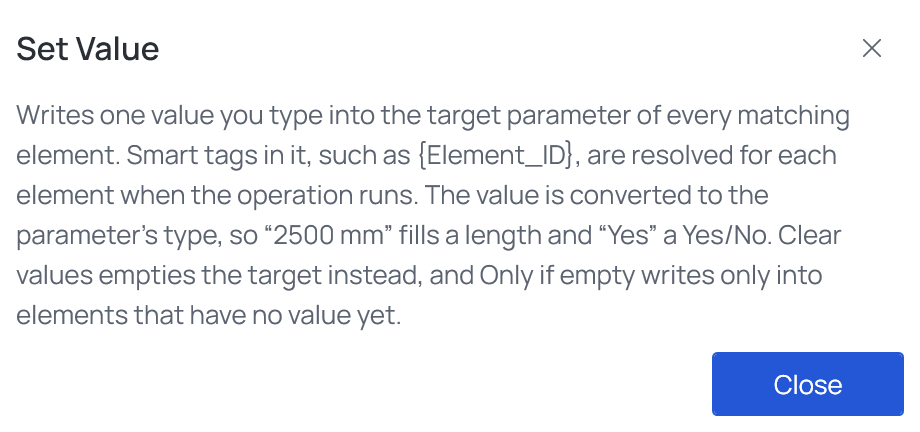
The description of Map Values, opened from ⓘ

The operation's name, its description and Close. For examples and every setting, open the operation's page under Operations.

PreviousNew operationNextCategories

On this page

  • How to open
  • What's in it
BasePointLabs LinkedIn
© 2026 Base Point LabsBase Point Labs·Privacy